
 Español
 Bahasa Melayu
 Français
Lucky Star Casino App: Install on Android, iPhone and Desktop
Lucky Star app installation covers four platforms: an APK from the site for Android, a Safari web app for iPhone, and versions for Windows and macOS. On your phone, start with Install in the app banner above the site header.
- Android takes a downloaded APK; iPhone adds a web app through Safari.
- Windows and macOS have their own versions.
- The mobile casino app is outside Google Play and the App Store: use the site's Install controls to start, or open the mobile site directly in your browser.
Lucky Star app at a glance
Mobile installation depends on your phone's platform; desktop versions cover Windows and macOS.
| Item | Available route |
|---|---|
| Mobile stores | Not in Google Play or the App Store |
| Android | APK from the site |
| iPhone | Web app through Safari |
| Desktop | Windows and macOS versions |
| Mobile install reward | 200 Lucky Points on iOS and Android |
| Install entry point | Install in the mobile app banner |
| Alternative entry | iOS and Android buttons in Free money |
For a new account, follow the registration steps before starting to play.
Android, iPhone and desktop compared
Android installs a file, while iPhone creates a web app entry from Safari. Desktop options are offered through the site.
| Parameter | Android | iPhone | Desktop |
|---|---|---|---|
| Starting point | Site app banner | Site in Safari | Site; banner on a Mac |
| Format | APK file | Home Screen web app | Windows and macOS versions |
| Install action | Download and open the file | Share, then Add to Home Screen | Use the site version for your system |
Mobile browsing also opens the casino and sportsbook without installing an app.
Lucky Star APK download in four steps
The Android download starts at the site's Install button. Choose Android in the installation window to take the APK route.
- 1
Open the site
Use your Android phone's browser to open the site. - 2
Tap Install
Tap Install in the app banner above the header, then choose Android. - 3
Download the APK
Use Download in the installation window to get the APK file. - 4
Install the file
Open the downloaded file and complete the installation on your phone.
Account access and password recovery are covered in the login instructions.
Add the iPhone web app in four steps
Safari adds the iPhone web app to your Home Screen. If you cannot find Add to Home Screen, open the site in Safari for this route.
- 1
Open Safari
Open the Lucky Star site in Safari on your iPhone. - 2
Open Share
Tap Safari's Share control. - 3
Choose the Home Screen
Select Add to Home Screen from the Share options. - 4
Confirm with Add
Tap Add to place the web app entry on your Home Screen.
Installation questions can go directly to support.
Find Install and select your phone platform
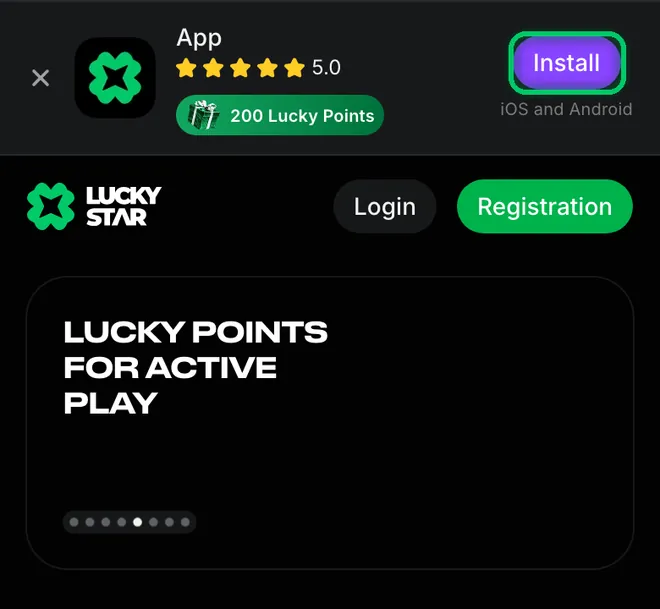
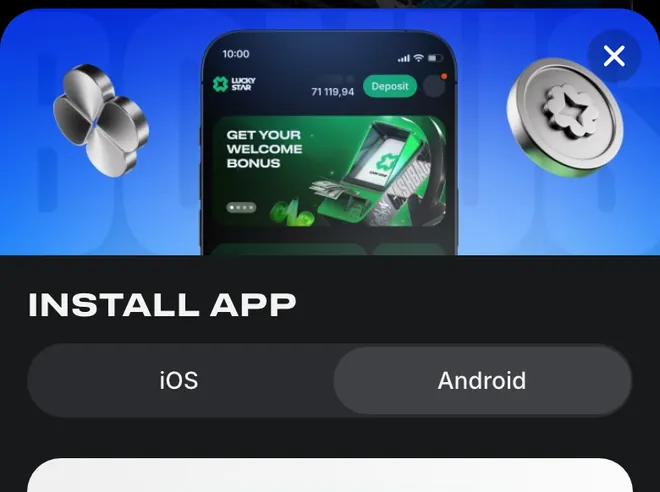
Install sits above Login and Registration in the mobile header. It opens the installation window with an iOS and Android switch.
The app icon comes from a file or from Safari
Android opens an APK file to install the app. On iPhone, Safari adds the web app to the Home Screen instead.
If the site does not open, ask support for the current address.
Windows and macOS versions
Windows installation starts on the site. A Mac receives a banner offering the macOS version.
Windows
Use the Windows version available from the site.Windows starting point
Look for the Lucky Star for Windows banner on the site.macOS
Lucky Star also offers a version for macOS.Mac starting point
Look for the Lucky Star for macOS banner when browsing on a Mac.
For help with a computer installation, use the support contacts.
What installing adds to your Lucky Points
Free money offers the installation reward on both mobile platforms. Telegram and Android push notifications have separate points tasks.
Mobile installation
200 Lucky Points for installing on iOS or Android.Telegram
100 Lucky Points for subscribing to Telegram.Android push
100 Lucky Points for the first push-notification subscription on Android.Exchange rules
Exchange from 1,200 points after your first deposit, at the rate for your account currency. Withdraw exchanged money after x1 wagering.
The points programme and other offers are covered in bonuses and rewards.
Choose iOS or Android in Free money
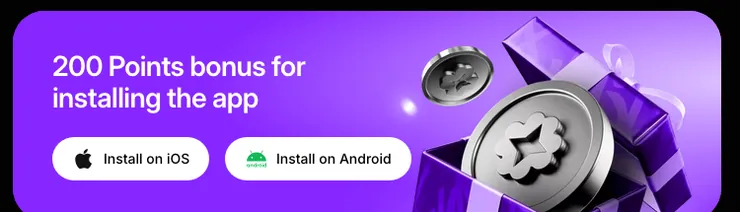
The installation card has separate buttons for each mobile platform. Select Install on iOS or Install on Android to start the matching route.
For funding options in India, use the country-specific payment methods.
Mobile site or app: what changes
The mobile site opens in your browser without an installation step. Installing adds a separate way to open Lucky Star from your phone.
| Parameter | Mobile site | Mobile app |
|---|---|---|
| How to start | Open the site in a browser | Complete the platform's installation route |
| Phone entry point | Browser address | Installed app or Home Screen web app |
| Points task | Installation task is in Free money | Reward applies to iOS and Android installation |
The Android push reward applies to Android devices; it is a separate notification task. The game categories help you choose where to start on the site.
Open the game rows on your phone
All games opens with Power Sun, Golden Teapot and Money Coming. Popular is the next row on the mobile home page.
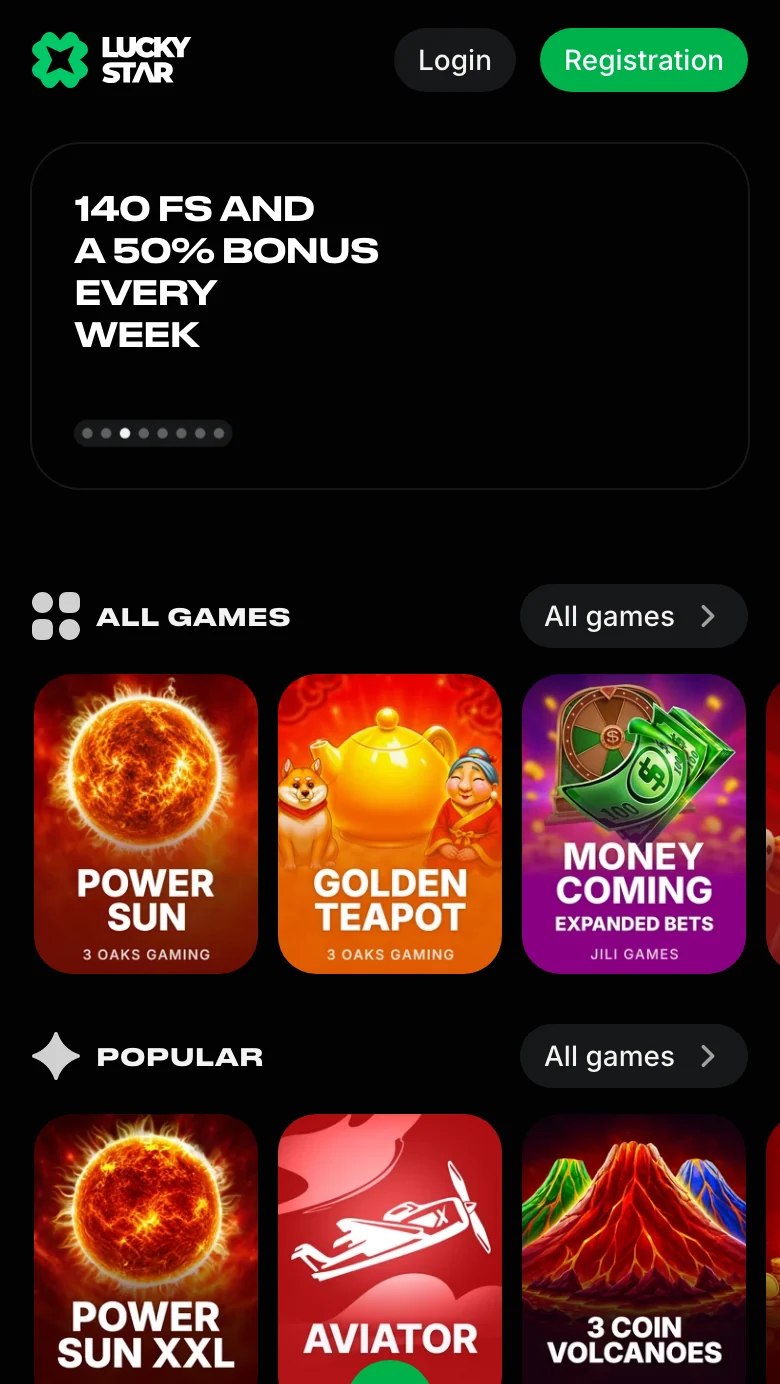
Slot categories are covered in the slots selection.
Staying safe with the app
The casino's mobile installation route starts on its site. Account access uses a password.
Download source
Get the Android APK from the site, rather than a same-name store listing.Password protection
Sign-in uses a password; there is no two-factor protection.Account changes
Changes to confirmed account details go through support.
For a forgotten password, follow the password recovery steps.
Help with installing
Contact options
- Live chat
- 24/7
- contact@lucky-star.best
What support handles
- ✓Current address available from support
- ✓Help with changes to confirmed account data
Contact routes and account questions are covered in support help.
Bonus and withdrawal conditions
Installing is a points task; the welcome package is activated by deposits. Lucky Star offers up to 600 free spins on your first 4 deposits.
For the welcome package, the minimum deposit, wagering and limits are in the bonus card in the Bonuses section. Requesting a withdrawal with an active bonus or activating another bonus cancels the current bonus.
You can play after registration; withdrawals require KYC verification. Find the required documents and payout process in withdrawals.
Country availability and the published rules are covered in the status section at the foot of this page.
App and account terms explained
- APK
- The Android application file downloaded from the site and installed on your phone.
- PWA
- Progressive Web App: on iPhone, a web app added to the Home Screen through Safari.
- Lucky Points
- Reward points that can be exchanged for money at the rate for your account currency, subject to the exchange rules.
- KYC
- Know Your Customer: identity, address and payment-method verification required for withdrawals.
Sources
Where the facts on this page come from
- Lucky Star Free moneyMobile install controls and points rewards
- Lucky Star rulesLucky Points exchange and account rules
Lucky Star app download questions
On the Lucky Star site: tap Install in the banner above the mobile header. Free money also has separate Install on iOS and Install on Android controls. Android uses a site APK; iPhone installation uses Safari.
No. The casino's Android APK comes from the site, and its iPhone web app is not in the App Store. A store listing with a similar name is not the casino app.
Open the site in Safari, tap Share, choose Add to Home Screen and confirm with Add. This creates the web app entry on your Home Screen.
Yes. Windows installation starts on the site, and a macOS version is offered through the banner on a Mac. For installation questions, use the support contacts.
200 Lucky Points for installing on either mobile platform. Points exchange follows the account-currency rate and the exchange conditions set out in the bonus terms.
Yes. The site works in a mobile browser without installation. You can open its game rows directly; explore the categories in the casino lobby.
- First version of the page.
About this site
This site is informational: it is not Lucky Star or its official page, and it takes no deposits or bets.
The operator's published rules do not name a licence, regulator or legal entity. Availability depends on the country, and offer terms depend on the country and the account currency.
18+ only. Gambling can be addictive – read the safer-gambling page.
 Welcome offer